
How It Works.
Your comprehensive guide to mastering the PitchFlow platform and elevating your coaching workflow.
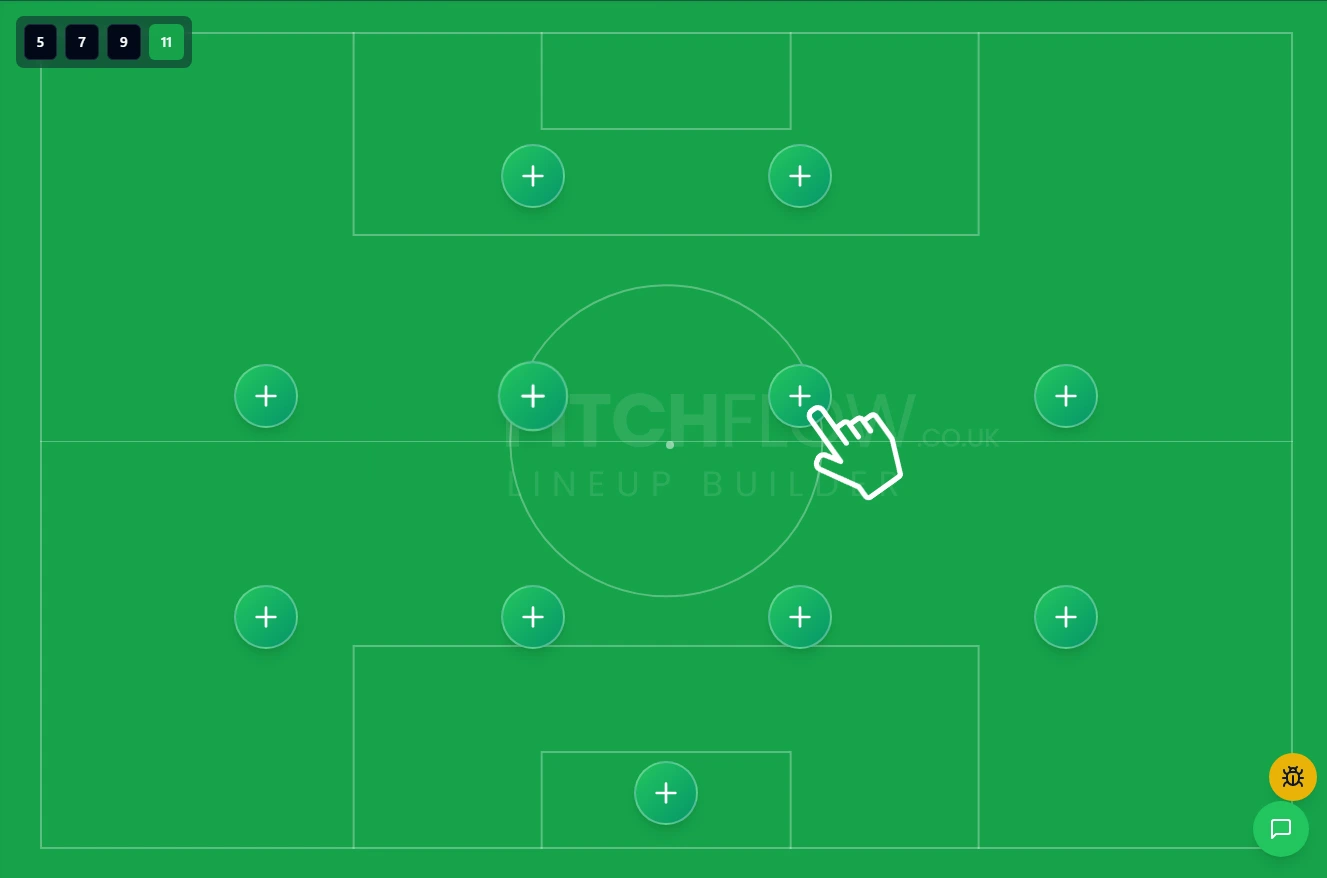
01. 1. Add Your Players
Click on any empty shirt on the pitch or use the "Manage Bench" button. You can add players from your saved squad (Premium) or as temporary guest players for the match.
02. 2. Set Your Formation
Drag and drop players freely on the pitch to create any formation you can imagine. Use the team size toggles (11, 9, 7, 5-a-side) to switch between different game formats instantly.
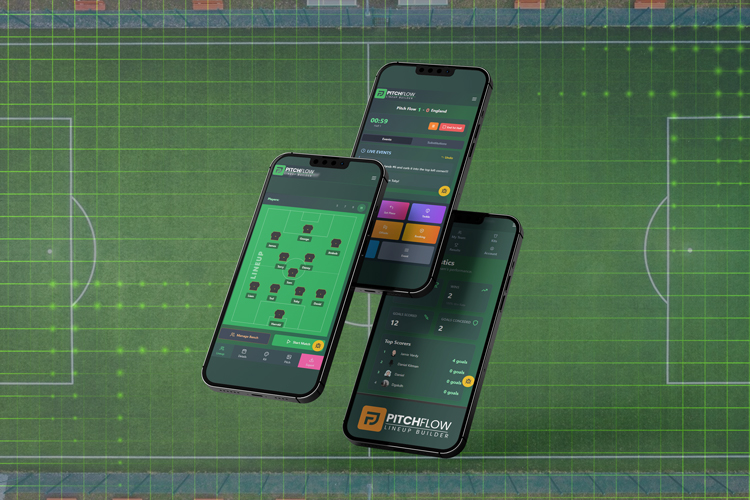
03. 3. Customize and Export
Use the "Match Details" and "Kit Styles" tabs to customize everything from team names to jersey patterns. When you're ready, hit "Export" to download a high-quality image for social media.